
Support
How to put Play Your Teams on your phone, what game day looks like once it's there, and how to reach us.
Get the app. Skip the app store.
Play Your Teams installs straight from your browser in about 30 seconds. It gets an icon on your home screen and opens full screen like any other app, without the baggage.
- Asks for nothing on your phoneNo contacts, photos, location, camera or microphone. It never asks for those permissions, and it runs inside your phone's browser, which keeps it walled off from the rest of your phone.
- Barely uses any spaceA few megabytes for the icon, logo and pages it keeps for when you're offline. No big download.
- Always the latest versionNo updates to download or approve. Every time you open it, you get the newest version.
- Scores are always liveScores, picks and logins come straight from our server, never from an old saved copy.
- Gone in one tapDon't want it anymore? Press and hold the icon and remove it, like any app.
| Typical app store app | Play Your Teams | |
|---|---|---|
| Download | Often hundreds of megabytes | A few megabytes |
| Permissions | Often asks for location, contacts or tracking | Asks for none |
| Updates | Download them from the store | Automatic, nothing to install |
| Accounts | Apple or Google account plus the app's own | Just your Play Your Teams login |
| Works on | The phone you installed it on | iPhone, Android and any computer, same login |
How to install
On your phone, open playyourteams.com/app in Safari (iPhone) or Chrome (Android). The step-by-step instructions, with pictures, are on that page under App installation instructions.
Open playyourteams.com/appOr watch how it's done:
Game day on your phone
Install it from your browser and it opens like any other app. See how.
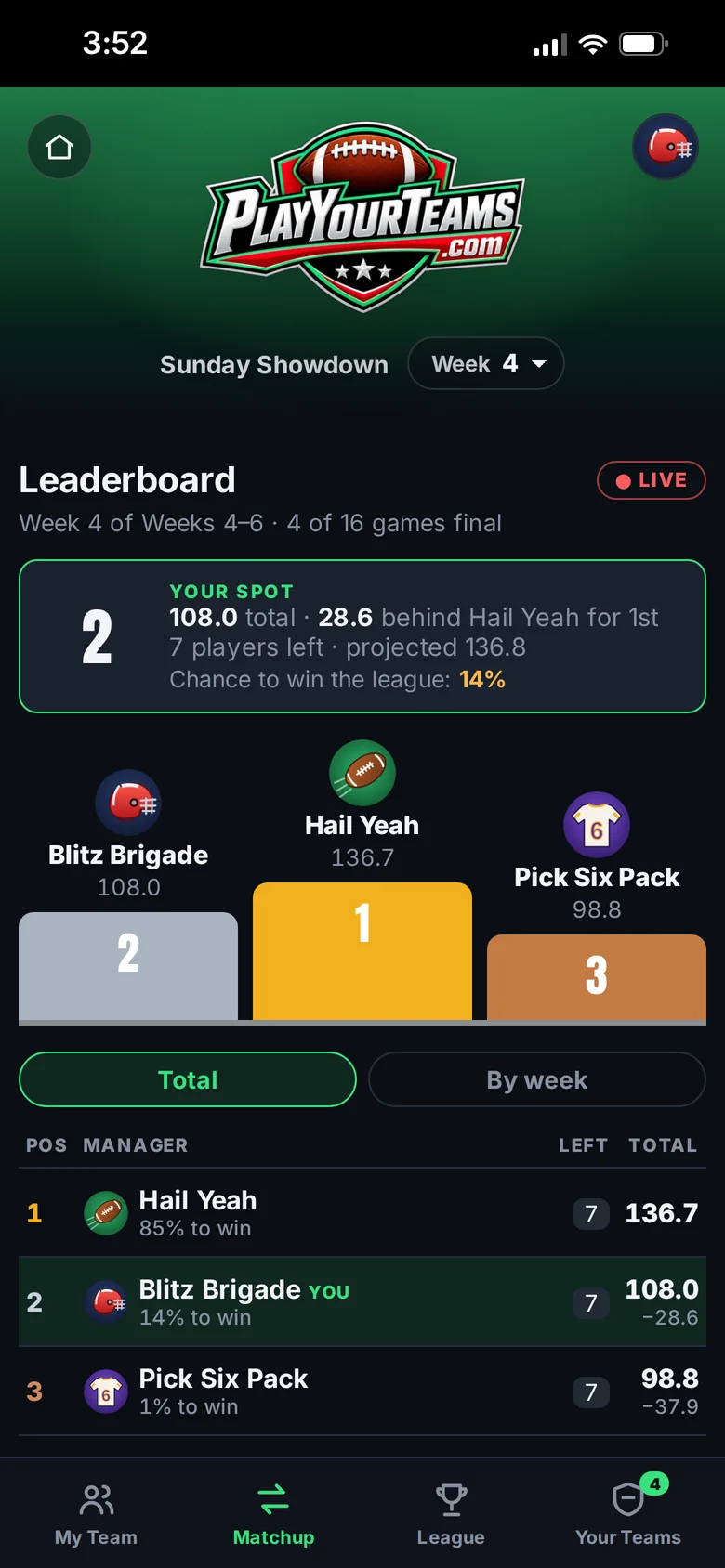
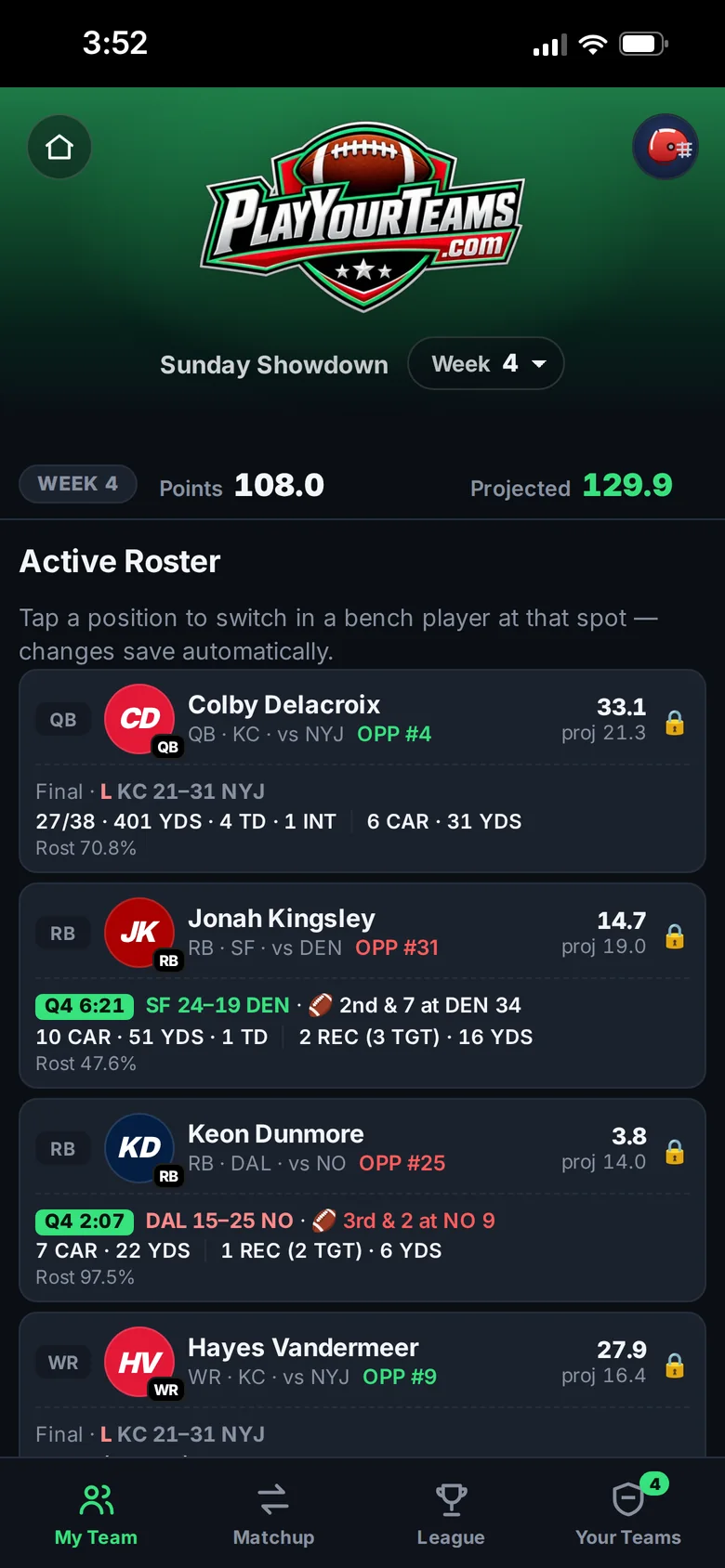
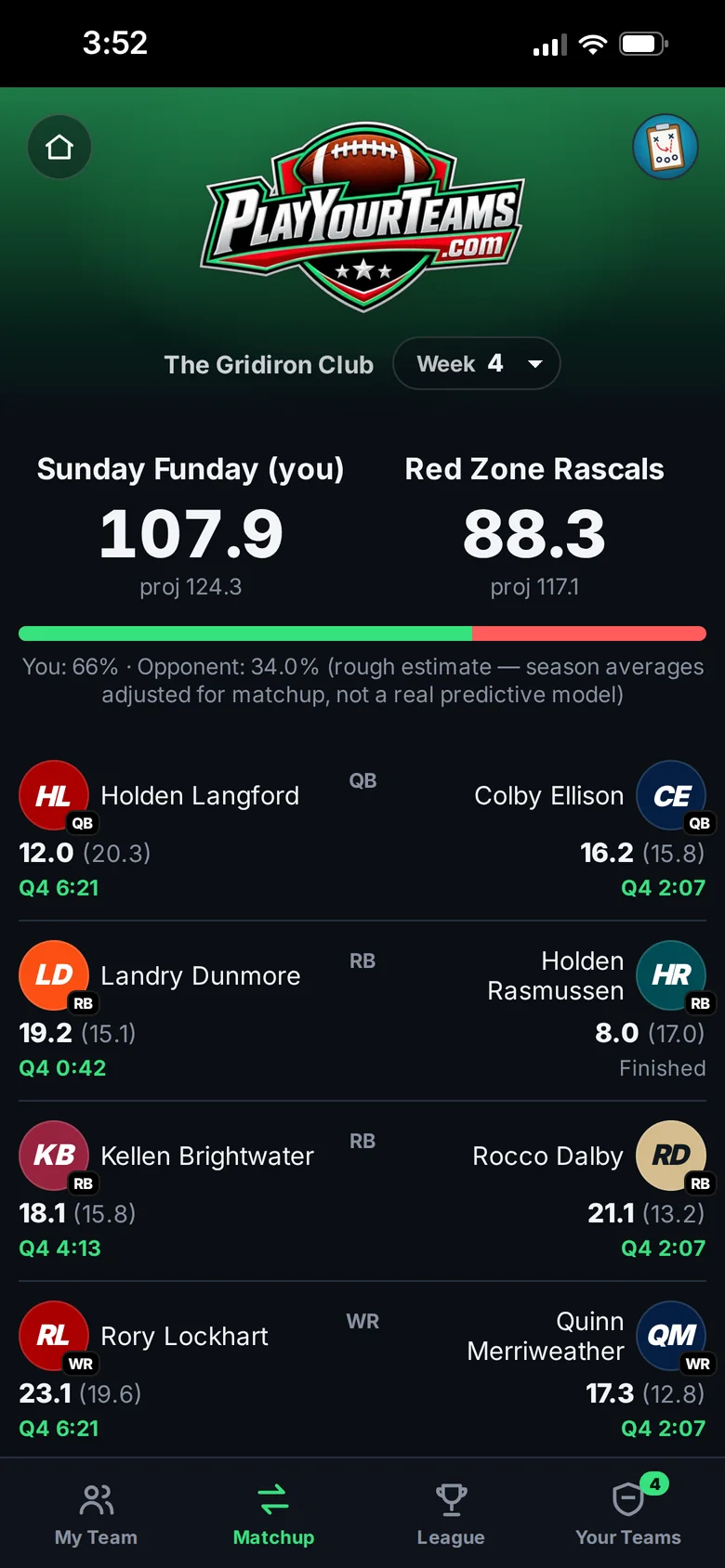
Example leagues. The managers and players are made up.
Contact
Questions, a problem with your league, or an idea for the game? Send us an email.
Tell us your league name and what you were doing when it happened, and we'll get back to you.
Email us